LET THE WHOLE PARTY JOIN IN
HDMI slideshow in Limburg.
Your photos on a big screen.
From the first silly pose to the last group photo, let your best photobooth moments appear automatically on a TV or projector. Guests away from the camera can enjoy them too.
For weddings and parties in Maastricht, Venlo, Heerlen, Sittard, Roermond, Weert, Kerkrade, Geleen, Venray and the rest of Limburg.
Enjoy the memories together
- Everyone can watch on a big screen
- The funniest poses reappear automatically
Keep taking photos
- Controls stay on the photobooth
- The slideshow runs on the second screen
Your own design
- Individual photos or complete photo strips
- Your personal design on screen
Enjoying the slideshow together
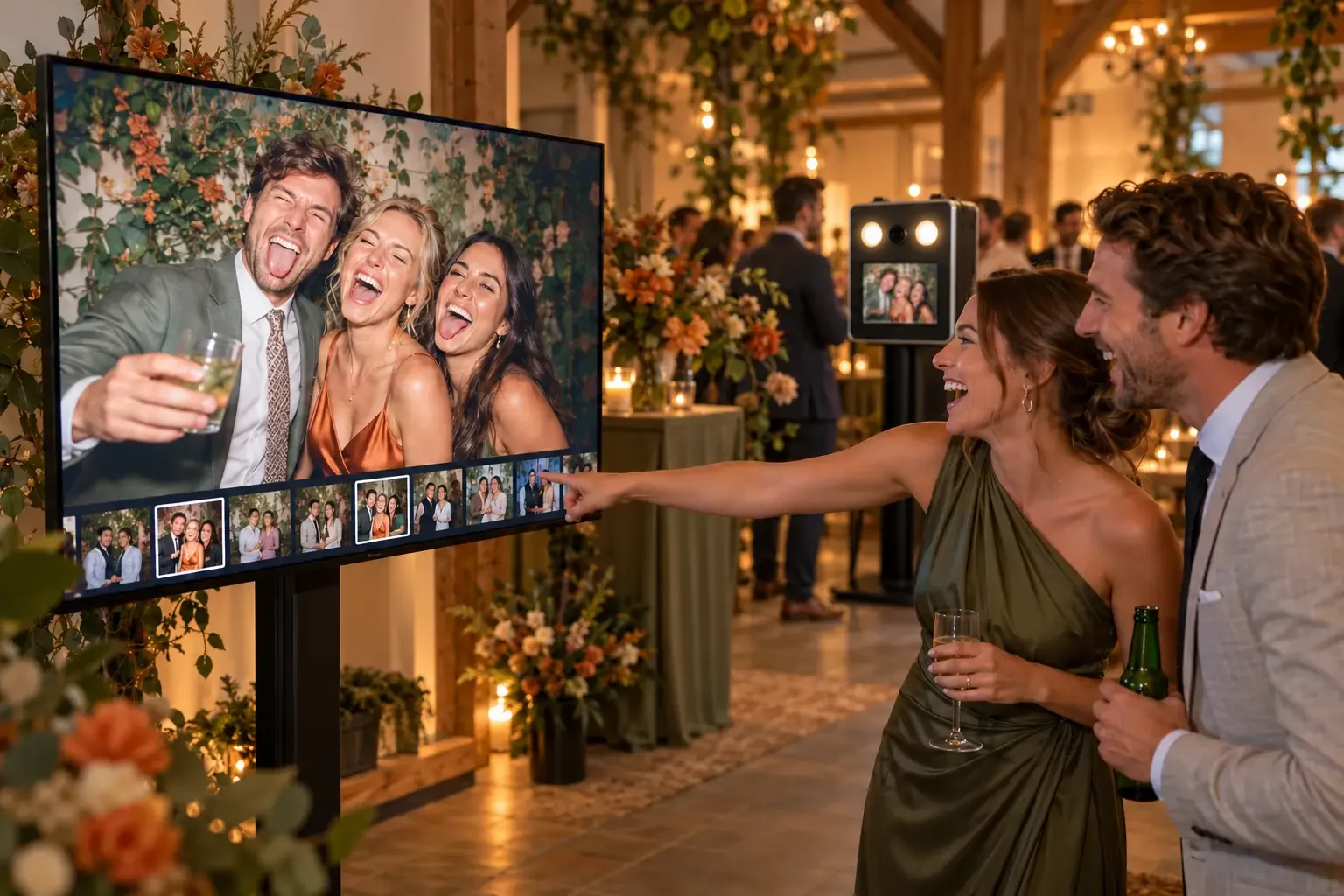
A TV beside the photobooth or a projector in the function room lets everyone share the fun. Browse the illustrative images to see how a big screen becomes part of the party.
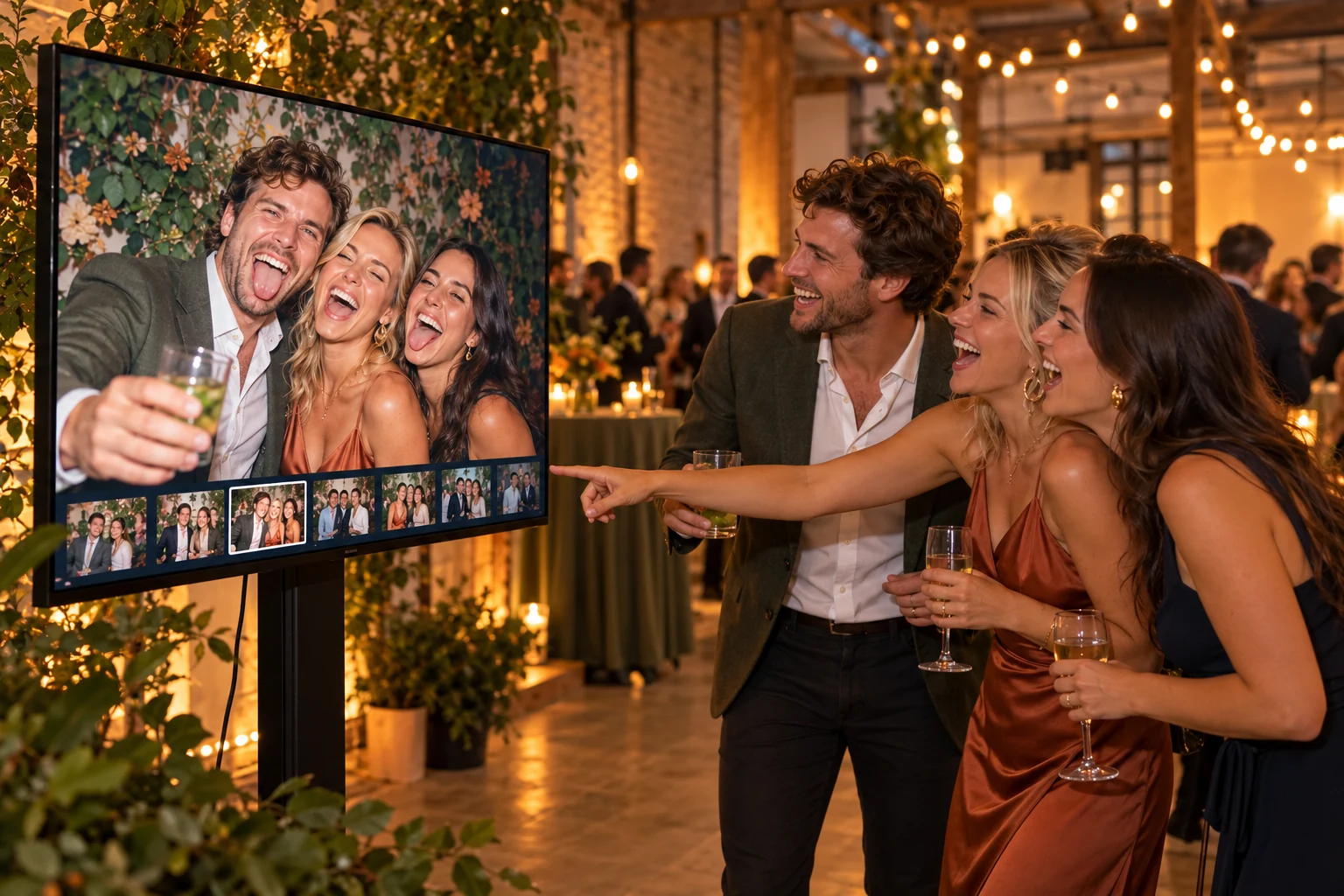
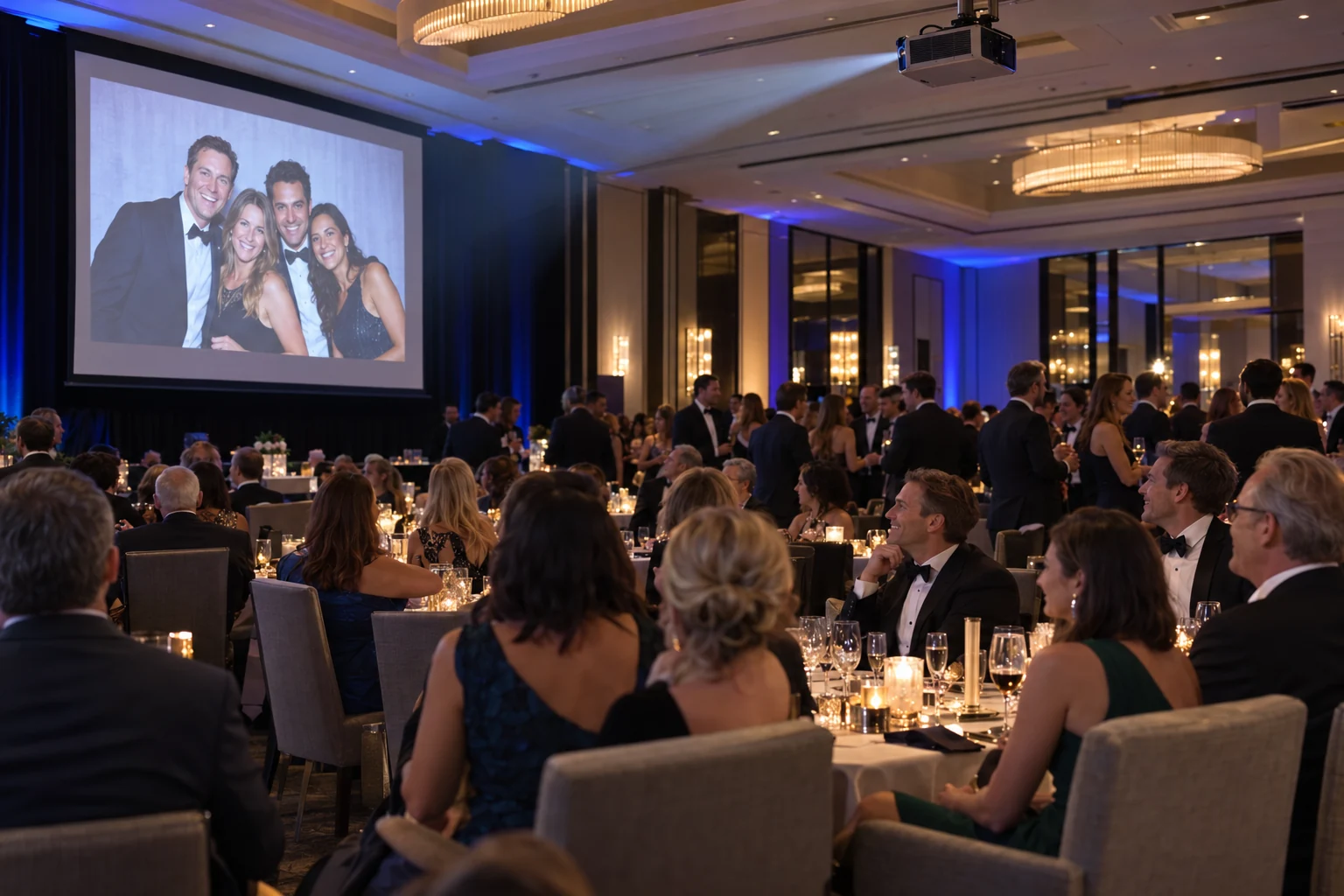
Illustrative images, partly AI-generated. They show how guests can enjoy the photos together; the screen layout and setup may differ in practice.
From connecting to enjoying together
01
Choose a spot for the screen
Use a TV, monitor or projector with an HDMI input. Position it where guests can see the photos clearly.
02
Connect the HDMI cable
Connect the screen to the photobooth and select the correct HDMI input on the TV or projector. Please discuss the connection and cable length with us beforehand.
03
Take photos and enjoy the show
Booth Studio recognises the second screen. With the slideshow feature enabled, photos appear automatically while the photobooth remains available for use.
Things to agree beforehand: who is providing the screen or projector, where will it go and what HDMI cable length is needed? A screen is not automatically included in photobooth hire.
A slideshow to match your party
Choose individual original photos or show the complete design, including the frame and personal text. Photo strips are presented separately; a large photo gets its own slide.
The standard Cinema style combines a dark background with warm accents. Booth Studio also offers Playful, Classic, Picture Frames, Futuristic, Website and Gallery styles. Discuss your preferred look beforehand.
Your logo too
For a corporate party or event, your logo can stay on screen. It can also appear as a separate slide between the photos.
The slideshow uses photos from the active event. We agree the style, photo layout and any branding beforehand.
FREQUENTLY ASKED QUESTIONS
A TV, monitor or projector with an HDMI input, a suitable HDMI cable and power at the screen. Discuss the screen and cable length with us beforehand.
A TV or projector is not automatically included. Discuss beforehand whether you will use your own screen, the venue will provide one or you would like to make an additional arrangement.
Yes. With the feature enabled, Booth Studio automatically adds photos from the active event to the slideshow. Photos are shown in random order.
Yes. The photobooth keeps its own control screen. The second screen shows the slideshow, so guests can keep taking photos.
Yes. Choose between the original images and the complete design. The complete design displays your photo strip or large photo with its frame and personalisation.
Yes. Your logo can stay on screen and appear as a separate logo slide between photos. Discuss your preferred branding with us beforehand.
The local HDMI slideshow does not need an internet connection: the image travels to the external screen through the HDMI cable. Other features, such as online sharing, may use internet.
Make your best moments bigger
The photobooth takes the photos. The slideshow lets the whole party enjoy them. Explore the possibilities and discuss your screen setup with us.
Questions about the screen or connection? Get in touch.